FAQs in this section
How do I delete a custom module?
Follow the steps below to delete a custom module:
- Log in to the CRM.
- Go to the main Menu.
- Click Settings. The Settings page opens.
- Click Modules under the Module Management section. The Module Manager page opens.
- Click More(ellipsis).
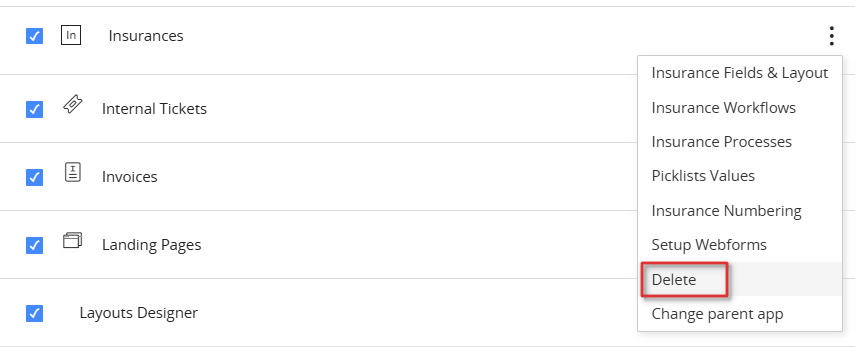
- Click Delete.
- Click Yes to confirm.